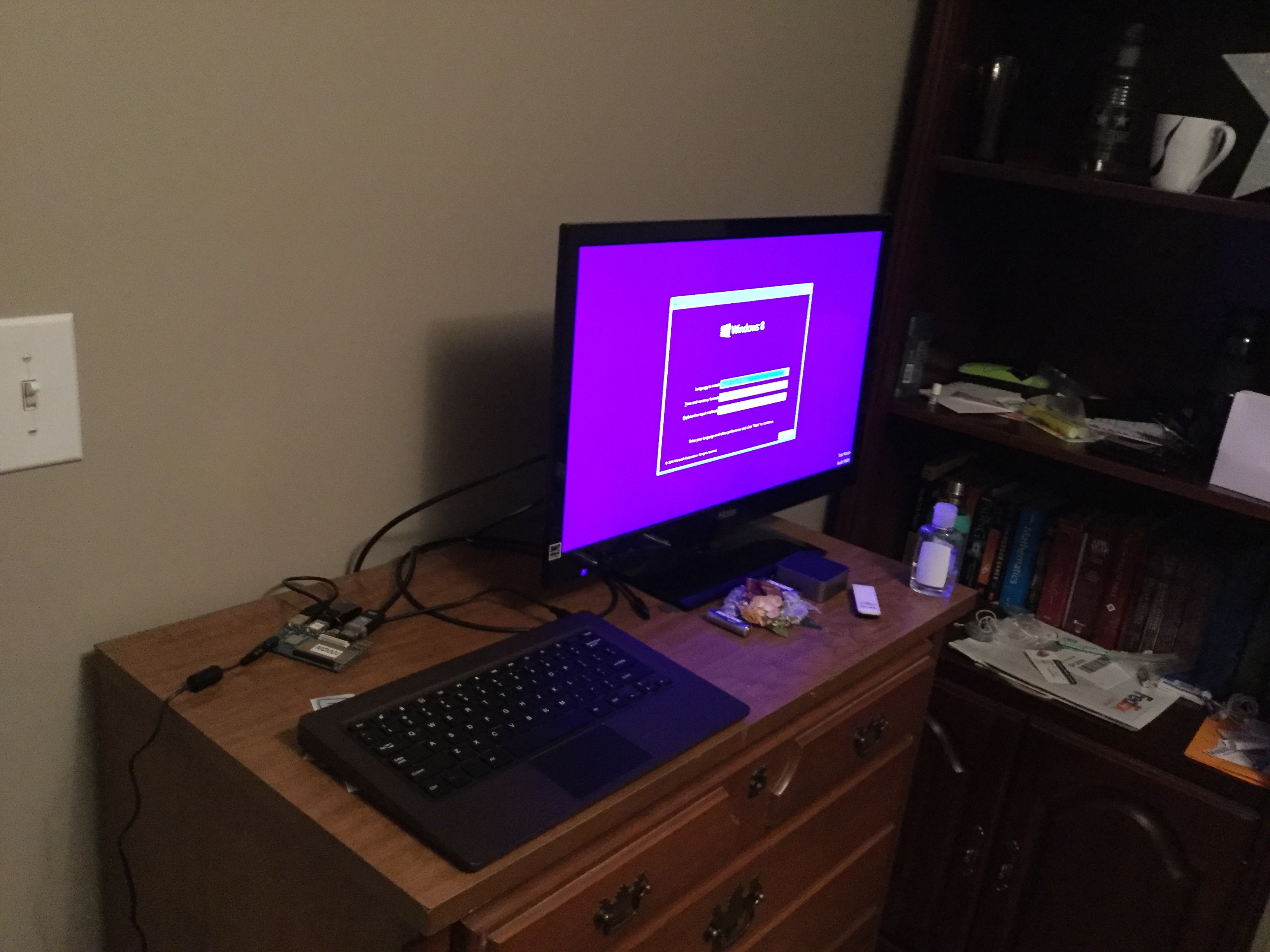
Actually, it is far more easier to boot Windows RT 8.1 PE on Dragonboard 410c compared to Lumia 520. DB410c is shipped without RPMB provisioned, Secure Boot is off, no Secure Boot keys are provisioned, nor Secure Boot Policy, and almost all UEFI settings are accessible. You need to patch nothing with Windows kernel itself on DB410c.
1. Some preparation
Flash Windows 10 IoT to have UEFI. Access Microsoft's IoT page for details.
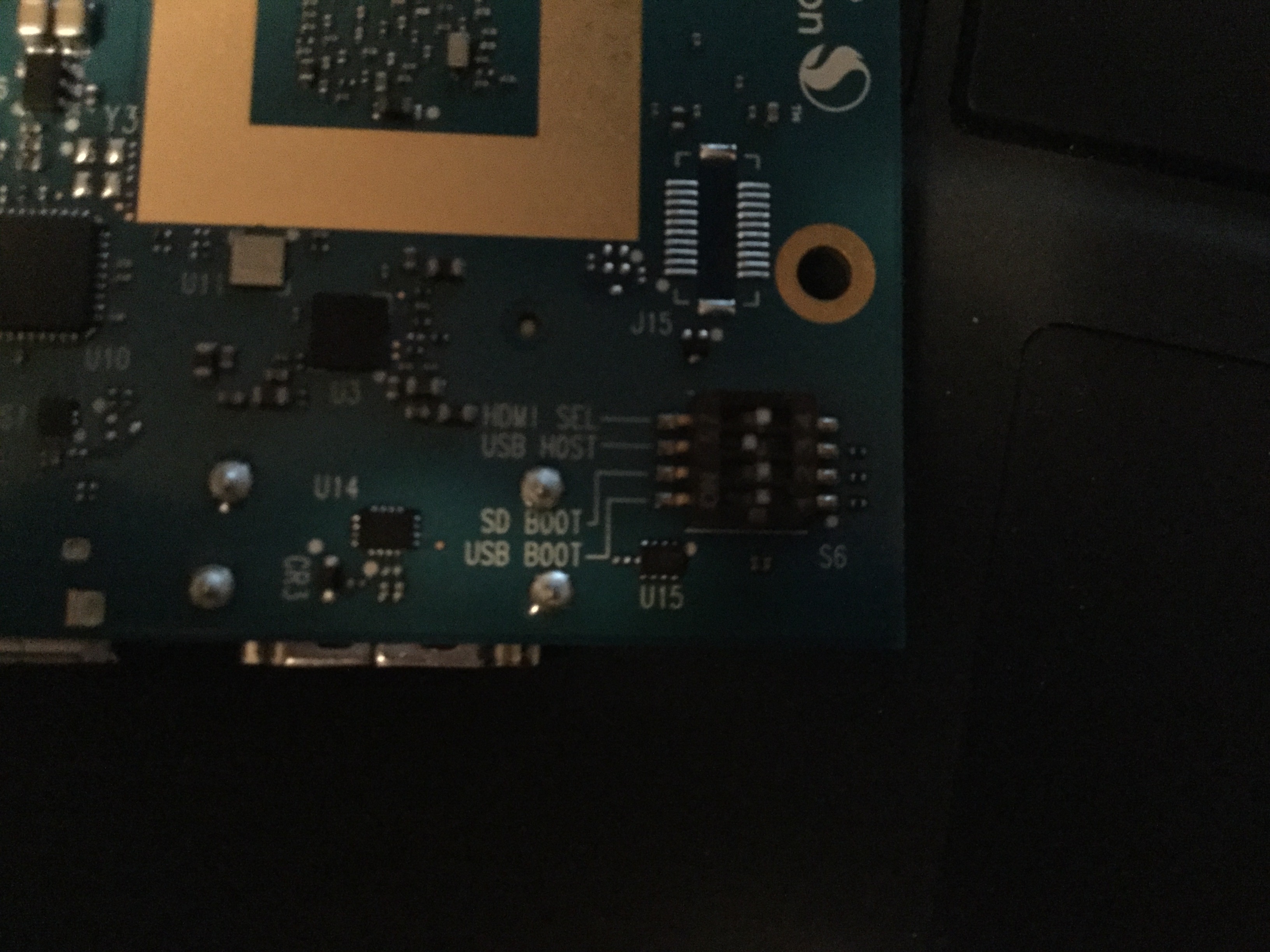
On the back of the board, switch USB HOST to on, other switches remain OFF.
In BDS menu, switch Secure Boot off. (It should shipped with Secure Boot off)
2. Windows RT installation disk prepartion
Extract HalExtQCTimer.dll and HalExtQCWdogTimer.dll from Lumia 640XL firmware. Other Windows Phone 8.1 devices with Snapdragon 400/410/801 should work too (not S4, Qualcomm changed hardware design), but I have not tested yet.
PS. If anyone have LG Lancet Windows Phone 8.1 firmware, that's better. Reply or PM me for more if you have one.
Inject HAL extensions:
Mount boot.wim index #1.
Put the two files metioned before to \Windows\System32.
Mount \Windows\system32\config\SYSTEM registry, import HAL extension configuration, like this:
Code:
Windows Registry Editor Version 5.00

[HKEY_LOCAL_MACHINE\WinRTSYSTEM\ControlSet001\Control\OSExtensionDatabase]

[HKEY_LOCAL_MACHINE\WinRTSYSTEM\ControlSet001\Control\OSExtensionDatabase\VEN_QCOM&DEV_100A]
"HalExtension"="\SystemRoot\System32\HalExtQCTimer.dll"

[HKEY_LOCAL_MACHINE\WinRTSYSTEM\ControlSet001\Control\OSExtensionDatabase\VEN_QCOM&DEV_100B]
"HalExtension"="\SystemRoot\System32\HalExtQCWdogTimer.dll"I haven't modified install.wim yet. You still need to inject these HAL extensions if you want to install it.
Copy files to a USB key. Modify BCD configuration:
You need boot param passed to kernel:
/REDIRECT /NOVGA /TESTSIGNING
Replace bootmgr.efi, bootarm.efi, bootmgfw.efi with Windows 10 IoT's. I am not sure whether original version will work.
3. Boot
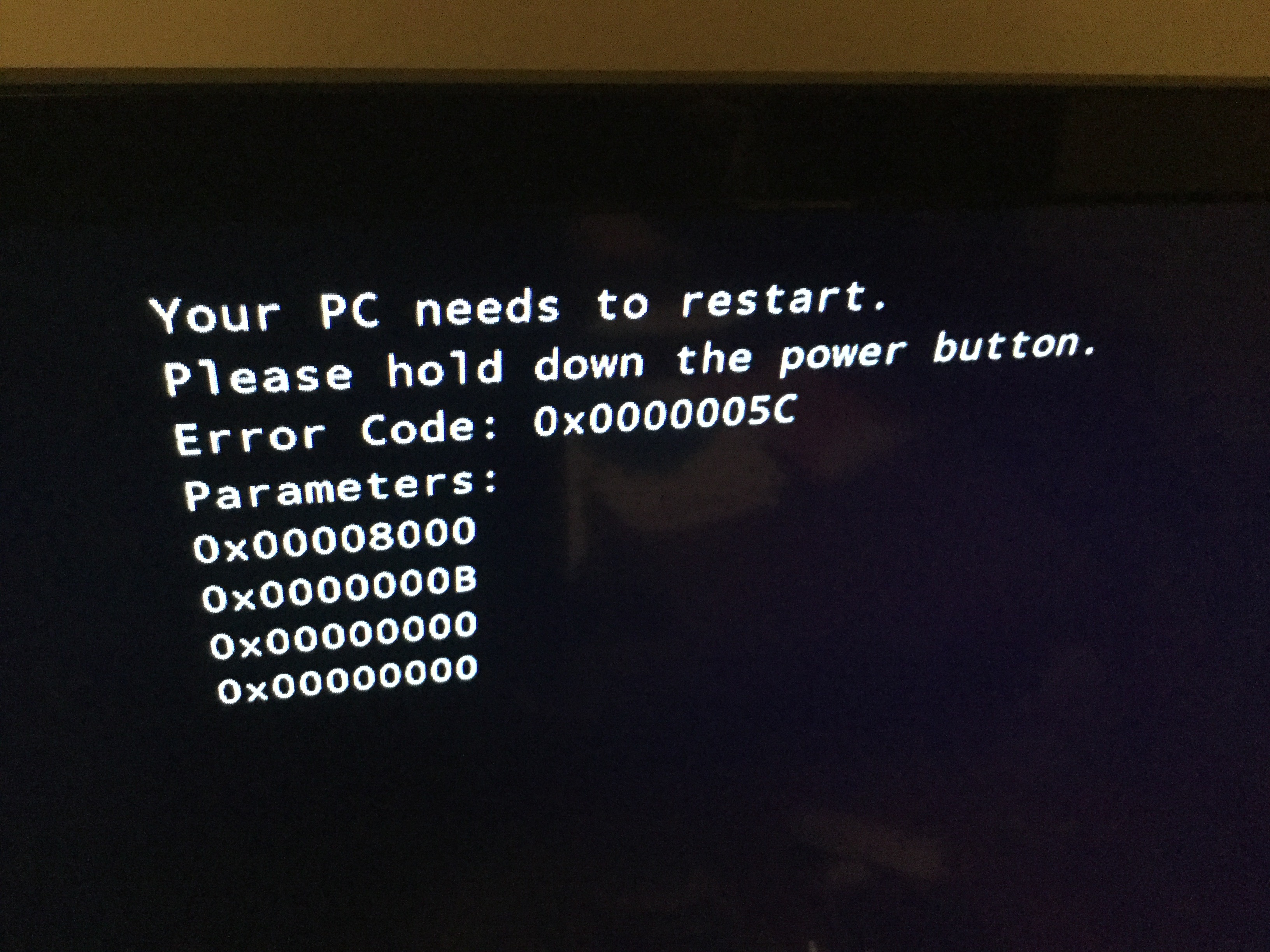
DO NOT BOOT IT FROM UEFI SHELL. I believe there's a bug in Qualcomm's firmware. If you boot any Windows OS in UEFI shell, bootmgfw.efi will work fine, but HAL initialization will certainly fail with error code 0x5c, even Windows 10 IoT. I don't why yet.
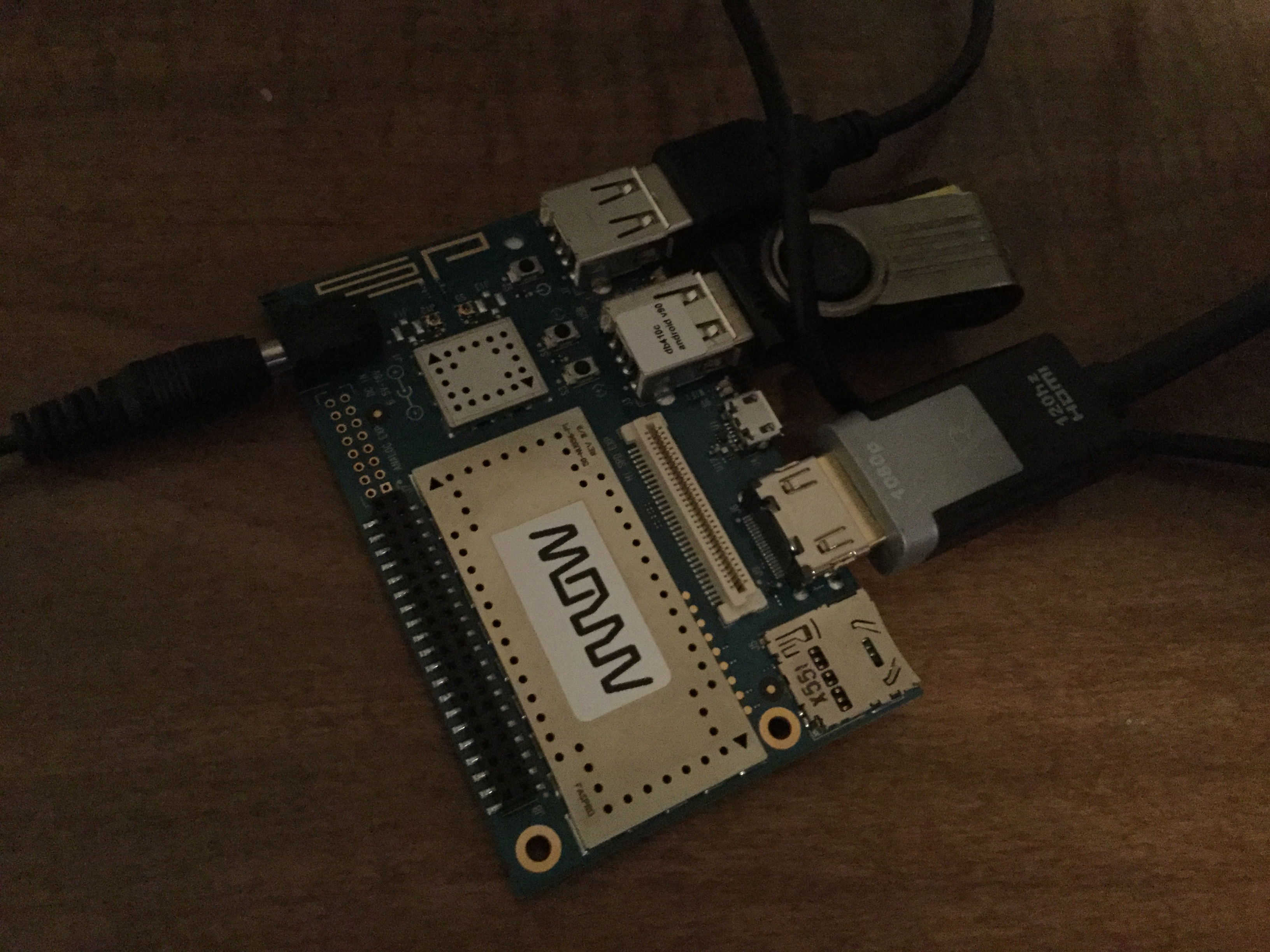
Insert USB key to Dragonboard, plug in power supply, press Volume- button until your USB key's LED light indicates there is I/O operation.
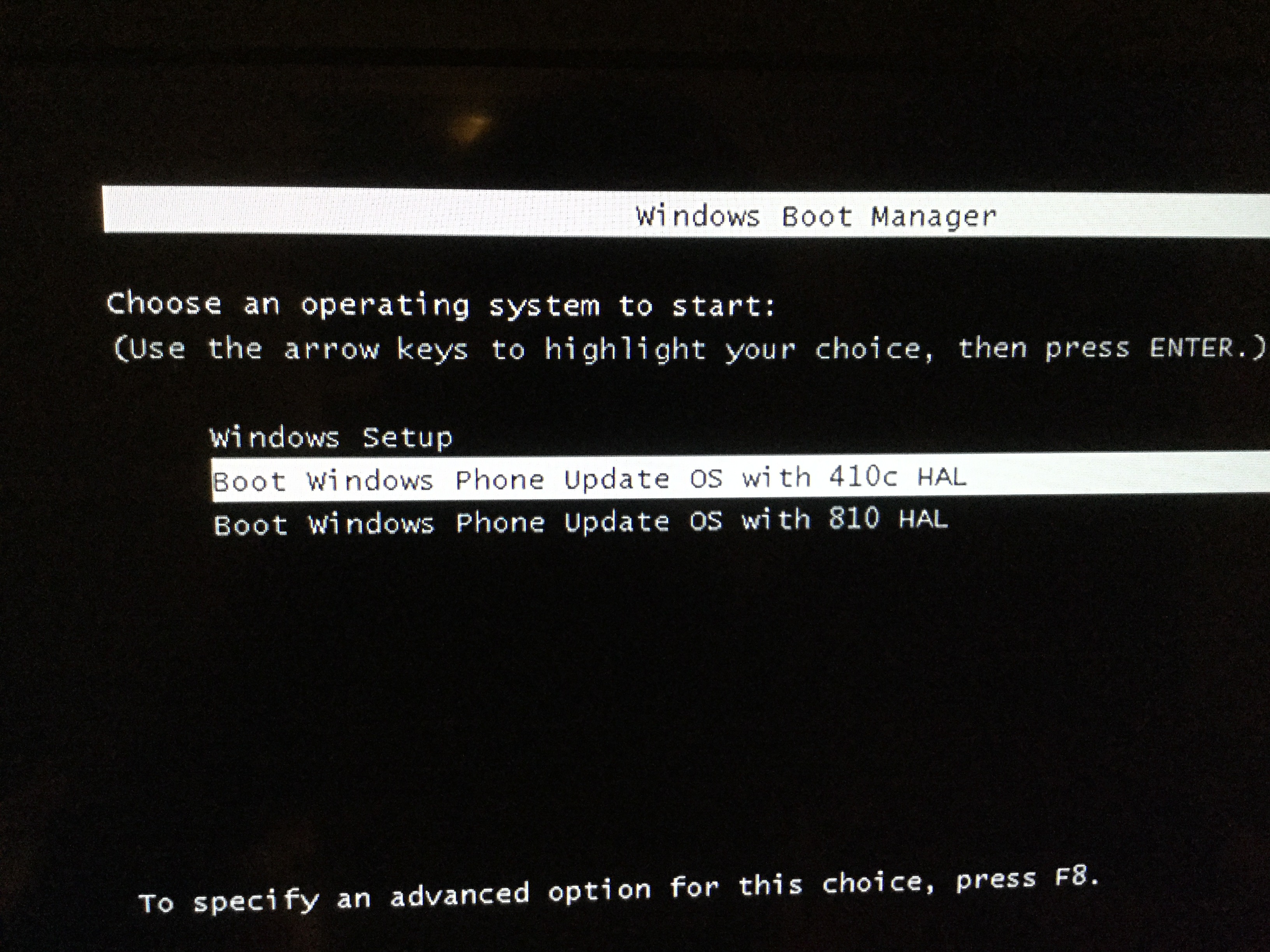
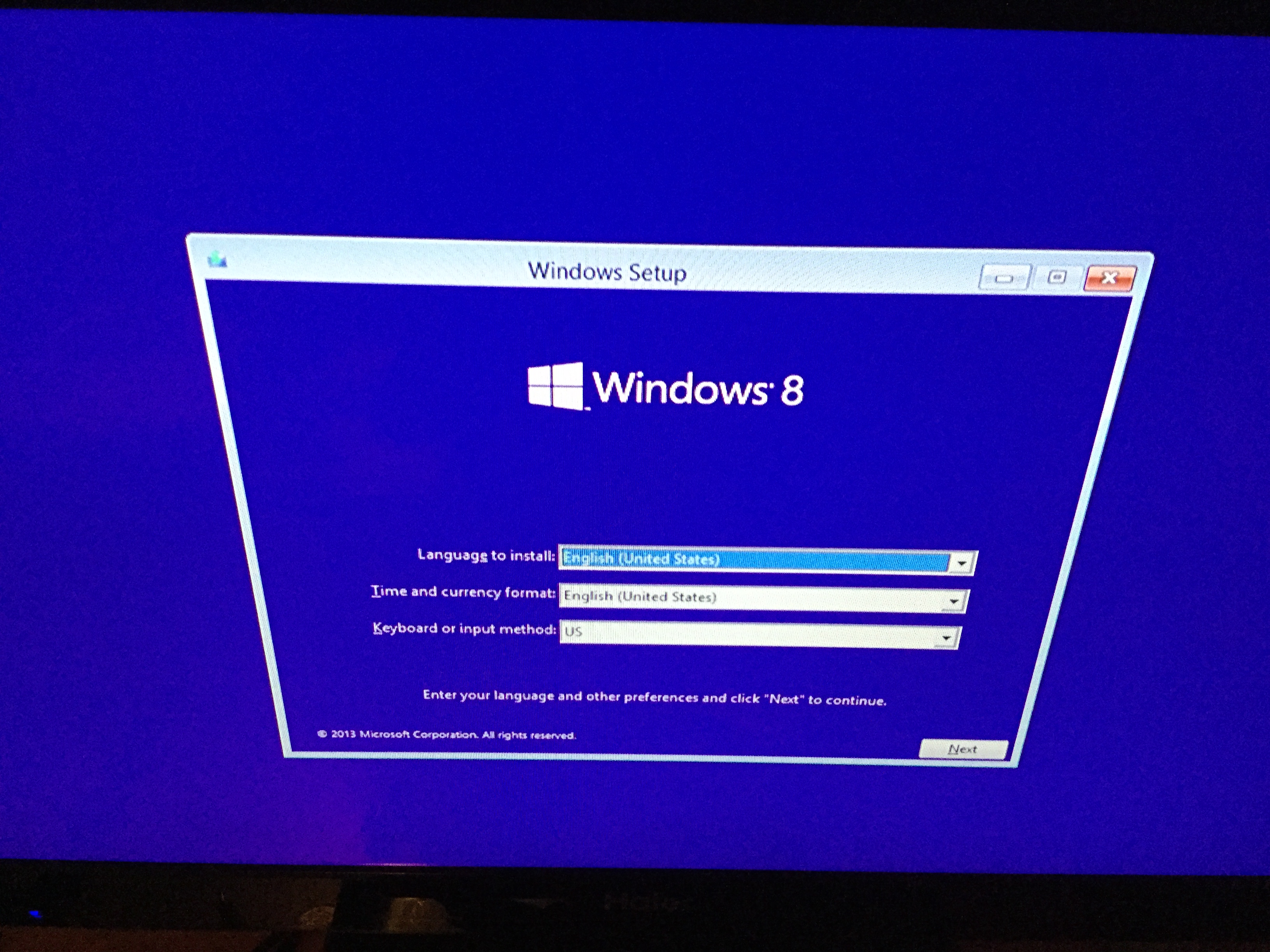
It should boot. Ignore the other two options in the picture. I am testing HAL extensions with them.
4. Issues
- No drivers are injected yet. I need to inject drivers in order to make USB and other devices work. I will try that after my final test. I think LG Lancet Windows Phone 8.1 firmware is the best driver source for DB410c as they MSM8916 and APQ8016 are similar.
- I am not sure if Windows RT's kernel will accept a Windows Phone signed HAL extension without TESTSIGNING option. They have the same Root Certificate though in Windows RT 8.1/Windows Phone 8.1.
- DB410c has only 8GB eMMC, if you want to install it on board, storage space will be a problem.
- DO NOT BOOT IT FROM UEFI SHELL. I believe there's a bug in Qualcomm's firmware. If you boot any Windows OS in UEFI shell, bootmgfw.efi will work fine, but HAL initialization will certainly fail with error code 0x5c, even Windows 10 IoT. I don't why yet.
Download from this link

No comments:
Post a Comment